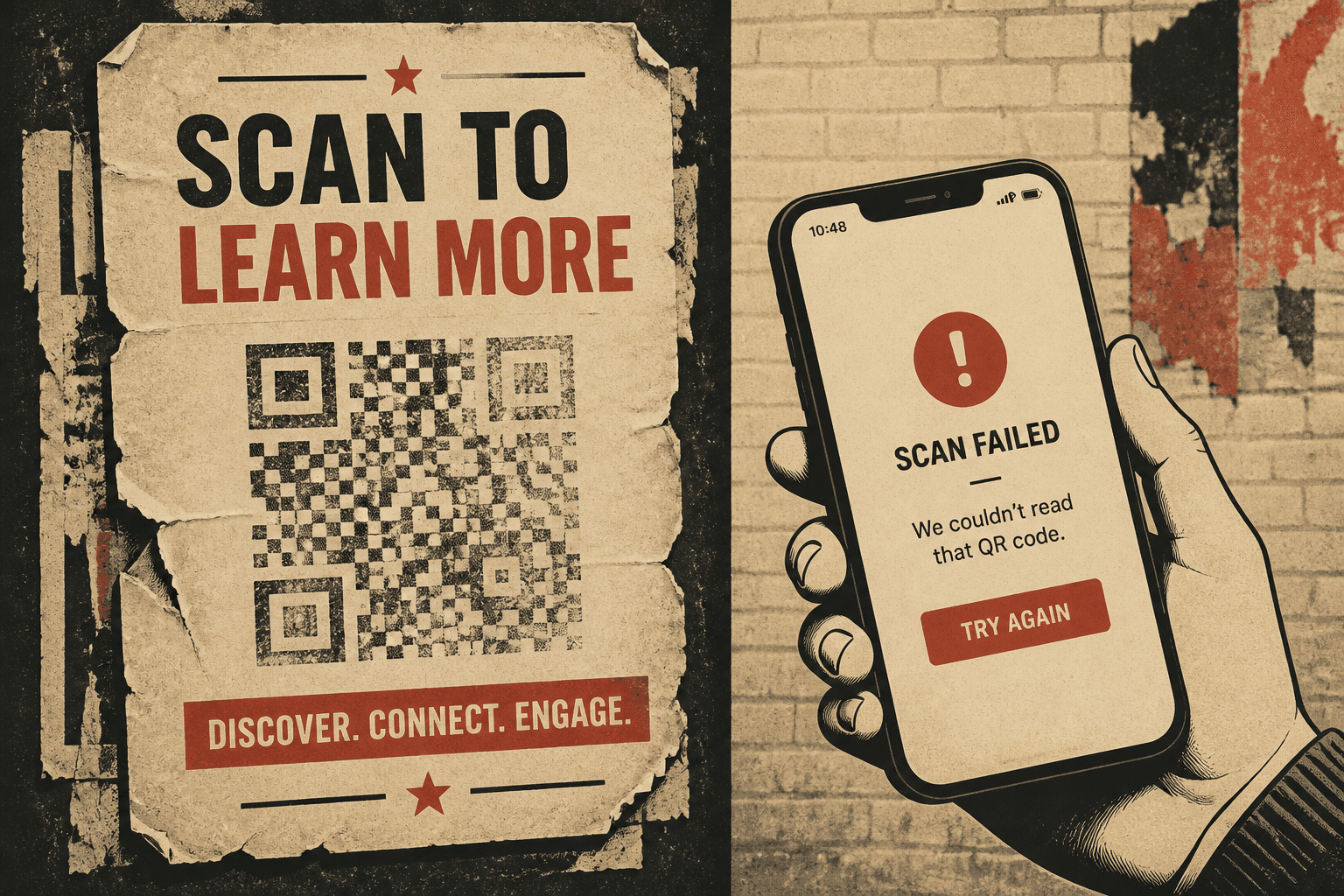
QR code not working · 11 min read · Updated 2026-08-31
Why QR Codes Stop Working (And How to Fix Them)
Diagnose a QR code not working on a poster or pack: camera never locks vs a dead URL, expired hops, and when you can fix it without reprinting.

You already printed. The poster is on the wall or the pack is on a shelf, and someone just told you the square is dead. A QR code not working is not one bug. It is two failures people mash into the same complaint.
Either the camera never locks onto the pattern, or it locks on and the page fails. I start there every time. Skip that split and you reprint a good image for a dead URL.
Two failure modes: lock vs URL
Stand in front of the real piece. Open the native camera. That is what guests use. If the viewfinder never draws a link, you have a detection problem. The payload could be perfect. The phone cannot read the modules.
If the camera highlights the square and a browser opens an error, a login, or a parked page, the pattern worked. The string inside did not land on a public live URL.

| What you see | Which job | Where to look |
|---|---|---|
| Camera hunts, never locks | Size, contrast, quiet zone, curve, foil, fade | |
| Locks, then 404 or timeout | URL / hop | Destination, expired plan, dead shortener |
| Locks, then a login or request-access page | URL | Drive, Notion, intranet, member wall |
| Locks, opens the old campaign | Static payload | You cannot edit. Reprint a dynamic code. |
When the camera never locks
Most "broken QR" notes I get are print. A QR code won't scan at the real distance even when the PNG looked sharp. Size, contrast, quiet zone, curves, foil, and fade are the usual list.
Size for the real scan distance
Printed width is a distance problem. A card at arm’s length can live at 2.5–3 cm. A table tent wants about 4 cm. A poster read from a meter wants 10–15 cm. If you sized a flyer mark and placed it on A2, people will not walk up. Use the QR code size guide for print: width about one tenth of the farthest phone. Dense campaign URLs make tiny modules that fail first on older phones.
Contrast and the quiet zone
Dark modules on a light ground. Gray on kraft fails. Brand-color on brand-color fails. A photograph behind the code fails. The quiet zone is the blank margin around the square — at least four modules. Cropping that frame into a colored box, a logo, or a bleed is a classic miss.
Curves, foil, and fade
A tight bottle shoulder warps modules. Put the code on a flat panel. Stretching a square into a rectangle does the same damage. Foil and metallic ink glare — the camera sees a mirror. Sun fade on a window cling kills contrast over weeks. Condensation and scuffs do the same on a pack.
- Too small for distance. Flyer-sized mark on a poster or window.
- Low contrast. Gray on kraft, gold foil, photo background.
- Quiet zone gone. Logo, crop, or colored frame eating the margin.
- Warped. Stretched rectangle or a tight curve.
- Worn. Fade, scuff, rain, condensation.
Print one proof on the real stock if you can. Laser on copy paper lies about glare. Scan two phones in the real light. If lock-on is slow, go up a size before you add a logo.
When the camera locks and the URL fails
The pattern worked. Copy the decoded URL and open it on a second phone, off Wi-Fi if you can. Now you are debugging a link. This is the other half of a QR code not working report — the piece still looks perfect.
The destination 404s or the cert died
Marketing retired a landing page. Someone renamed a PDF. A CMS path changed. HTTPS expired. If the decoded string is that dead path, you printed a static code. There is no middle server to retarget. The only fix is a new image that encodes a live URL — preferably a short link you control.
Expired free dynamic plans
An expired QR code is usually a trial that paused the redirect. The poster outlived the plan. Free dynamic tools love 14-day clocks and "we pause on downgrade" language. The square still scans. The hop returns an upgrade page. On Create QR Codes, printed `/r/` links keep scanning even if the dashboard later locks.
Dead shorteners and login walls
If you encoded bit.ly or a generator you cannot log into, you inherited their outage. When that vendor dies, every printed square fails at once. Google Drive and Notion love a "request access" interstitial. A guest will not request access over dinner. If the decoded URL needs a login, you published a permission dialog, not a destination.
- 404 or cert error on your own domain. Page moved. Static print cannot follow.
- Upgrade or expired notice on a QR vendor. The trial ended.
- Unknown shortener you cannot log into. The hop is gone.
- Sign-in or request access. Host the file on a public page you control.
Tell static from dynamic from the decoded URL
You cannot see the format in the ink. Scan the piece. Read the string. That is the test I use in static vs dynamic QR codes. If the decoded URL is your website, a campaign path, or a PDF on your CDN, the code is static. When that page moves, the QR code stopped working until you reprint.
If the decoded URL is a short path on a generator — on this site, a `/r/[slug]` — the code is dynamic. Swap the destination and the poster stays. If you lost the account behind that hop, treat it like static.

When you can fix it without a reprint
Software saves you only when the camera already locks, the encoded string is a hop, and you still own that hop. Then you edit the destination. You do not generate a new square.
- Scan the printed piece and copy the decoded URL.
- If it is a short link you still control, open that code and paste a live public page. Save. Scan the same object again on two phones.
- If the string is your old campaign URL, stop. That image cannot be patched. Create a QR code that encodes a short link, then reprint.
- If the hop is on a closed trial or a dead vendor, that run is done. Same reprint path.
Print failures do not get a dashboard fix. A quiet-zone crop, a foil stamp, or a 2 cm mark on a window needs new artwork. Print a dynamic image this time so the next URL change is a field.
How I diagnose a square that already failed
- Scan the real object at the real distance in the real light. Two phones.
- If the camera never locks, I do not open a dashboard. I check size, quiet zone, contrast, stretch, curve, foil, and wear.
- If it locks, I copy the URL and load it in a private tab on cellular.
- I classify static vs dynamic from that string, not from memory of which generator we used.
- I only edit if I own the hop. Otherwise I reprint with a short link I will still own next year.
If a pack already shipped, you cannot resticker every pantry. You can fix the hop for warehouse stock, and you can put a live page at the old static URL if you still control that path.
Prevent the next dead poster
The next file should encode a short link you control, not this week’s campaign path. That is how to create a QR code you can edit after printing. Proof the scan on the real stock, then send the job.
- Print a hop you own. Do not bake a landing page you might retire.
- Skip free trials that pause redirects. An expired hop is a poster that dies on schedule.
- Keep contrast, a quiet zone, and a size from the scan distance.
- Do not foil the modules or wrap them around a bottle shoulder.
- Host a public page. No Drive request-access. No login wall.
- Scan a proof on two phones before you order a run.
If you are about to print again, create a QR code that already has the hop in the image. Confirm the export encodes `/r/[slug]`. A QR code not working after a launch is rarely mysterious. The camera could not see the modules, or the string pointed at a dead place. Split those. Fix what you can.
FAQ
Why did my QR code stop working?
Either the camera cannot find the pattern, or it finds the pattern and the internet says no. Print fails are size, contrast, quiet zone, stretch, curve, foil, or fade. URL fails are a moved page, an expired QR code on a free dynamic plan, a shortener that died, or a page that asks for a login. Decode the URL before you reprint.
Why will a phone camera not lock onto my printed QR?
The modules are too small for the scan distance, the quiet zone was cropped, contrast is too low, the square was stretched, or the surface is curved, foiled, or faded. Print a larger high-contrast proof on two phones before you blame the destination.
Can I fix a printed QR code without reprinting?
Only if it is dynamic and you still control the short link. Change the destination and the next scan follows. If the decoded URL is your campaign path, the code is static. There is nothing to edit. You print a new image. If the vendor closed the hop, that run is done.
What is an expired QR code?
Usually a free dynamic trial that paused the redirect. The poster still looks fine. The short link no longer forwards. Static codes do not expire as codes — they fail when the destination 404s. Pick a host that keeps printed hops live. This site keeps printed /r/ links scanning even if the dashboard later locks.
How do I tell if a printed QR is static or dynamic?
Scan it and read the decoded string. If you see your long website or campaign URL, it is static. If you see a short path on a generator domain, it is dynamic. You cannot tell by looking at the square.