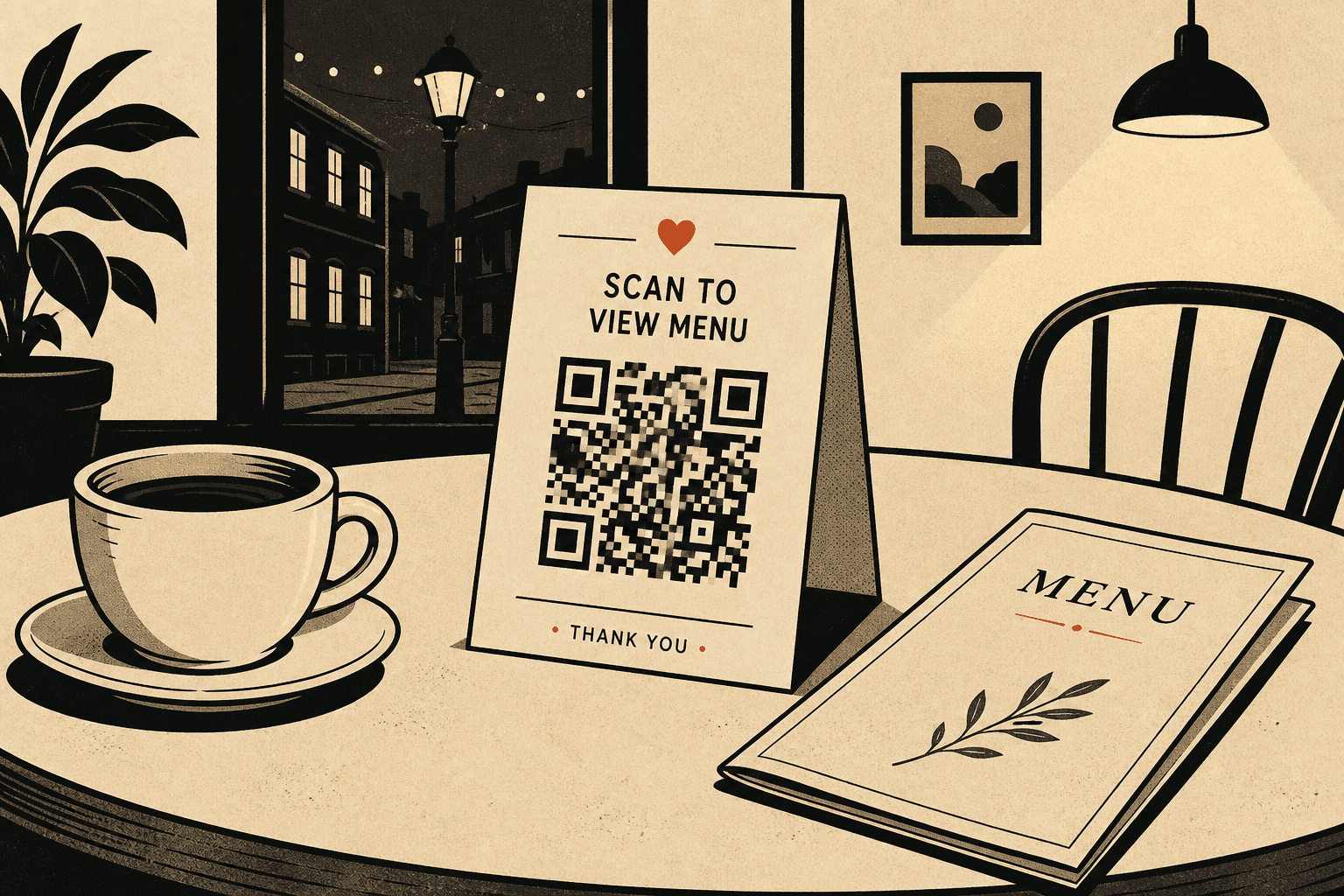
QR code for restaurant menu · 11 min read · Updated 2026-08-31
How to Create a QR Code for a Restaurant Menu
Create a QR code for a restaurant menu that scans in dim dining rooms and updates when dishes change. Table tent size, web vs PDF, dynamic codes.

You are not decorating the table. You are handing every guest a camera job in a room darker than your office, on a card that will get ketchup on it, for a list of dishes that will change before the tents wear out.
A QR code for restaurant menu service has to survive that. If it does not scan from the two-top by the bar after sunset, it is not a menu. It is a paperweight with a square on it.
I want you to print a dynamic menu QR. The tent encodes a short link you own. Tonight that link opens this week's page. Thursday it opens the page after you 86 the lamb. Guests never need a new square. You never send the designer a new file unless the tent design itself changed.
Dynamic vs static for menus
A static code writes the final URL into the pixels. Phones decode that string and open it. There is no server in the middle, so there is nothing to update. Print that on 40 tables and the first PDF swap makes every tent wrong.
A dynamic menu QR writes a short link into the pixels. You change the destination behind that link. Same image. New menu. That is the difference that matters in a dining room.
Use static only if the menu will never change. I have not met that restaurant. Seasonal specials, allergen corrections, price changes, and sold-out items all land on a weekly cadence. A static QR code for restaurant menu print runs is a reprint you will resent.
If you want the mechanics, read static vs dynamic QR codes. If you already know you will edit after print, create a QR code that uses a short link, then keep how to create a QR code you can edit after printing next to the printer spec.
Web menu vs PDF
Default to a web page you control. Phones render it without a pinch-zoom fight. You can strike a sold-out line at 5:40pm from the pass. You can add an allergen note without opening InDesign.
- Web page: best default. Easy to read, easy to update, easy to add allergens later.
- PDF: fine if your chef already signs a designed file. Host it at a URL you own. Replace the file, keep the same path, or edit the dynamic destination.
- Avoid: email attachment links, Canva shares that expire, and any cloud file that is not a public page.

Size the table tent QR for a dim room
Your office monitor lies. Dining rooms run warm bulbs, candles, and booth shadows. Phone cameras hunt. A 2 cm code that locked in the office will fail at table 12 after the sun drops.
Print the table tent QR at about 4 cm square. That is the number I want on the printer spec. Arm's-length scans on a tent still need area because the light is bad and the phones are mixed. The QR code size guide for print uses a 10:1 distance rule. Tents sit in the 30–50 cm range, which already wants 3–4 cm, then you add margin for dim light.
Black modules on white or cream stock. Skip gold foil, skip a photo of pasta behind the code, skip gray ink on kraft. Leave a quiet zone. Cropping that white border is a common reason a restaurant QR code never locks.
Label it in plain type: Scan for today's menu. Guests should not have to guess whether the square is Wi-Fi.
| Detail | Recommendation |
|---|---|
| Code size | 4 cm square on a typical tent |
| Contrast | Black on white or cream. Skip gold foil. |
| Label | Scan for today's menu in plain type |
| Placement | Front of tent, unobstructed, not under a glass rim |
| Code type | Dynamic menu QR, so the URL can change |
| Stock | Laminate or a wipeable sleeve |
Ketchup, wet tents, and ruined modules
Tents live in a wet place. Condensation under a glass, a wine splash, a ketchup fingerprint across the finder pattern. If the modules smear, the camera never detects the code.
Laminate the tent or use a wipeable sleeve. Put the square on the face, not under a glass rim and not on the fold where it cracks. When a tent is stained through the code, replace that tent. Do not leave a half-readable square on a four-top and hope the next guest has a newer phone.
I would rather you reprint five ruined tents than reprint the whole set because you used a static URL.
One job per code
Do not print one restaurant QR code that tries to be menu, Wi-Fi, Google reviews, and Instagram. Guests scan because they want to order. A hub page is a bounce. The person who wanted the menu will not tap through three buttons while the server waits.
One job per code. The table tent QR opens the menu. Wi-Fi can live on a separate sticker at the bar or on the receipt. Reviews can live on the check. You can still create a QR code for each of those. You should not merge them.
If you only have room for one square on the tent, that square is the menu.
Allergens and seasonal specials
Allergen notes are not a once-a-year PDF event. A guest asks about sesame, you fix the page, the next scan is correct. That only works if the destination is a page you can edit, sitting behind a dynamic menu QR.
Seasonal specials are the same problem on a weekly clock. Keep specials on the menu page you already update, or point the same short link at a specials page when the core menu is stable. Either way, the tent does not change.
Do not print Spring 2026 on the tent next to a static code. The season will end. The square will not.
Create it on Create QR Codes
Here is how I create a QR code for restaurant menu use on this site.
- Publish tonight's menu at a URL you own. A simple page is enough. If you only have a PDF, put that PDF on your own domain.
- Go to Create QR Codes, pick Link or PDF, and paste the URL. The generator builds a print-ready image and a short link. The image encodes the short link, not your long CMS path.
- Hit Download. Confirm the email we send. Pay $1 to unlock the PNG. That attaches the code to your account so you can edit the destination later from the dashboard.
- Place the PNG at 4 cm on the tent. Keep it square. Keep the quiet zone. Print one proof, then scan it at the actual table before you send the file to the printer.
When dishes change, open the dashboard and edit the URL. Do not generate a new image unless the tent design changed. That is the whole reason to create a QR code as dynamic before you print.

Scan it at the actual table
A scan in your office is not the test. Sit in a booth. Use the lighting you run at service. Try an older Android and a current iPhone. Hold the phone the way a guest holds it — one hand, slightly off-axis, over a water glass.
If the camera hunts, go up in size before you print 40. If it opens a Google login, change the destination before you print one. If it opens last season's PDF, you encoded a static file. Start over with a dynamic code.
Do this again after the first weekend, when the tents have been wiped and stacked. A code that worked on Monday can fail after the laminate scuffs.
Mistakes that waste a print run
- Encoding a Google Drive or Dropbox link that asks for access.
- Printing a static code for a menu you change weekly.
- One tiny square trying to do menu, Wi-Fi, and reviews.
- A 2 cm code because it looked cleaner on the layout.
- Skipping the table scan and finding out at Saturday service.
- Putting the code on the back of the tent or under a candle.
If a printed code already failed, you can only repair it without reprinting when it is dynamic and you still own the short link. That is the point of how to create a QR code you can edit after printing. For the next run, create a QR code first, then print the tent.
Your QR code for restaurant menu tents should be boring, large, and editable. Guests came to eat. Give them tonight's list in one scan and keep the square when the list changes.
FAQ
How do I create a QR code for a restaurant menu?
Publish the menu on a page you control, generate a dynamic QR that encodes a short link, print it at about 4 cm on the table tent, then edit the destination when dishes change. On Create QR Codes you paste the URL, hit Download, confirm email, and pay $1 for the PNG.
Should a restaurant menu QR be static or dynamic?
Dynamic. Menus change. A static code printed on 40 tables becomes wrong the first time you swap a PDF, 86 a dish, or fix an allergen line. A dynamic menu QR keeps the tent and changes the destination.
What size should a table tent QR be?
About 4 cm (1.5 in) square. Dim dining rooms and mixed phone ages need more size than a business card. Use the 10:1 scan-distance rule, then add margin for candlelight and older cameras.
Should I link a web page or a PDF?
A web page is the default. It reads on a phone and you can edit a sold-out line during service. A PDF is fine if you host it at a URL you own and can replace. Never encode a Google Drive or Dropbox share that asks guests to request access.
Can one restaurant QR code do menu, Wi-Fi, and reviews?
Do not mix those jobs. Guests scan a table tent QR for the menu. A hub page is a bounce while the server waits. Give Wi-Fi and review asks their own codes, on the bar or the check.