QR code for product packaging · 8 min read · Updated 2026-08-28
QR Codes for Product Packaging: How to Create One That Lasts
How to create a QR code for product packaging: size, contrast, curved labels, and why the code should be dynamic so instructions can change after the box ships.
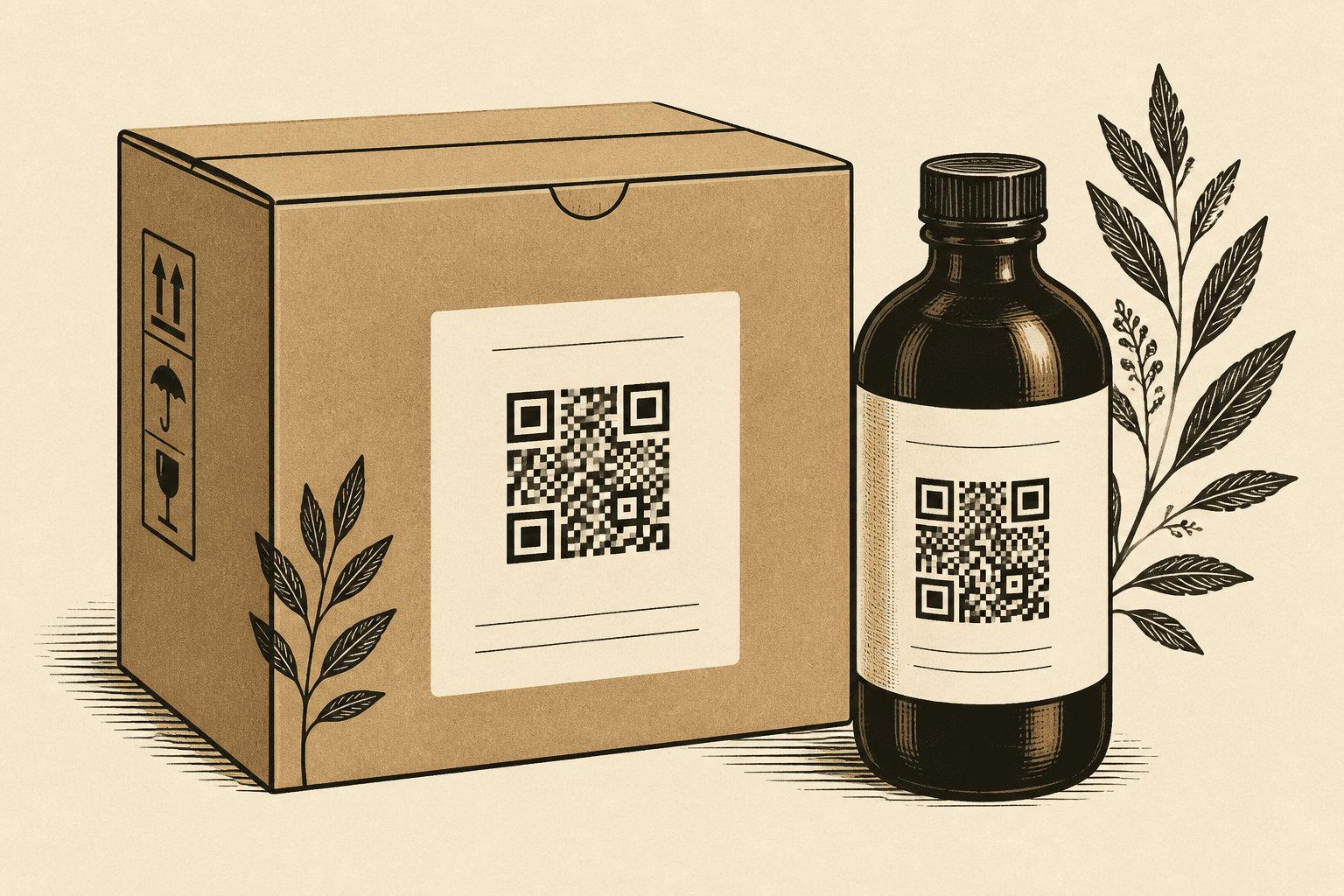
A QR code for product packaging has a longer life than an Instagram ad. People scan it months later for a recipe, a refill, a firmware note, or a warranty. If you encoded last quarter’s landing page, the pack now fails in the customer’s kitchen.
Create a dynamic code. Print one image. Point it at whatever page is true today.
Placement and materials
- Flat panels beat bottle shoulders. Curves warp modules.
- Matte stock scans more reliably than gloss glare.
- Do not run varnish or foil through the modules.
- Keep the quiet zone. A busy pattern up to the edge is a scan failure waiting.
Size on pack
Handheld scanning is close range, so you can go smaller than a poster — not tiny. Use the size guide: 2–2.5 cm recommended on most labels. Shrink films and metallic inks need more.
What the code should open
- A stable product page you will maintain.
- Instructions you can revise without a new SKU.
- A campaign you can swap after the season — because the code is dynamic.
Create a QR code with a short link before you send dielines. Give prepress the PNG at final size plus a note that the destination may change and the artwork will not.
FAQ
Should packaging QR codes be static or dynamic?
Dynamic. Boxes sit on shelves and in pantries. Instructions, allergens, and warranty pages change. A static code on a pack is a future recall of the artwork.
How big should a QR code be on a product label?
Start at 2–2.5 cm square for handheld scans. Go larger on dark film, shrink sleeves, or if you add a logo.