 Create QR CodesSign in
QR code for events · 11 min read · Updated 2026-08-31
How to Create a QR Code for Events
Create a QR code for events that survives a rain venue, a time change, and a replay page after. Poster size, one job per code, dynamic required.
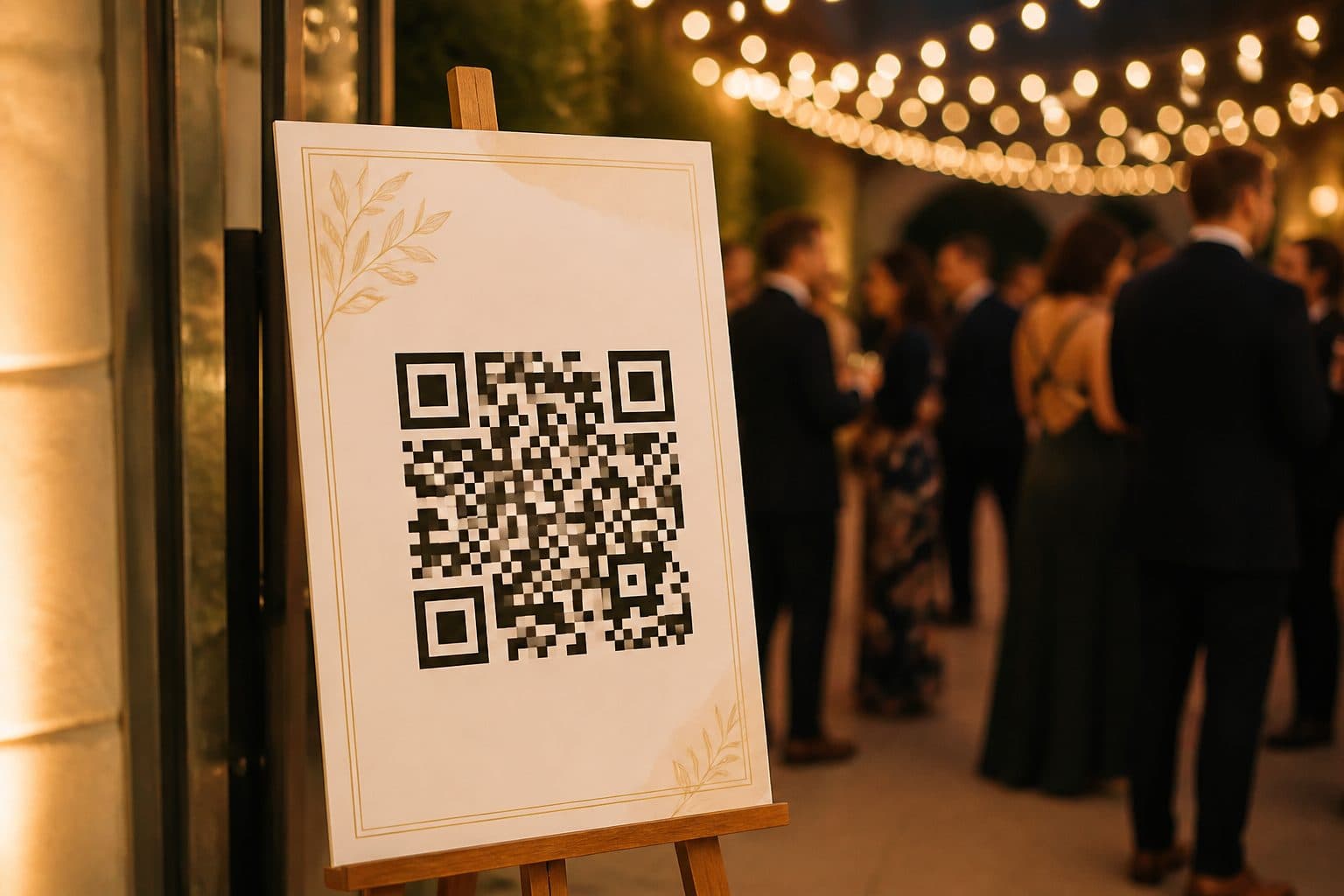
You are not decorating a foyer. You are handing every guest a camera job on a poster that went up two weeks early, on tickets already in pockets, for a time and a room that can still change.
A QR code for events has to survive that. If Saturday rain moves you indoors, or the 7pm start becomes 7:30, the printed square still has to open the truth. If it opens last week's park map, it is a wrong address with modules on it.
I want you to print a dynamic event QR. The poster encodes a short link you own. Monday that link opens the outdoor map. Friday night it opens the hall and the new start time. After the last session it opens the replay. Guests never need a new square.
Dynamic is required
A static code writes the final URL into the pixels. Phones decode that string and open it. There is no server in the middle, so there is nothing to update. Print that on 200 posters and the first venue swap makes every board wrong.
A dynamic event QR writes a short link into the pixels. You change the destination behind that link. Same image. New time. New room. Use static only if the night will never change. I have not met that conference.
If you want the mechanics, read static vs dynamic QR codes. If you already know you will edit after print, create a QR code that uses a short link. Keep how to create a QR code you can edit after printing next to the printer spec.
Event type in the generator is not a poster
On Create QR Codes there is a type labeled Event. It is not the type I want on your poster, ticket, or program. Event writes a calendar invite into the image: title, start, end, location. The phone offers to save it. That payload is static. If the start time slips, every printed square is still the old time. You reprint.
Use Event only for a one-off invite you will not change. For a public poster, a wedding program, a church door, or a conference badge, pick Link. Link is dynamic. The image encodes a short path. You point that path at a page you can edit. If you want people to add a calendar event, put that button on the page behind the Link.
Rain venue and a time change
Outdoor market. Poster went up Monday on the corner easel. Saturday forecast flips to rain. Friday night you change the destination from the park map to the indoor hall, the revised start, and a note about parking. Same sandwich board. Same poster QR code. That is the job.
A wedding QR code gets the same weather. Ceremony on the lawn becomes the chapel. Churches do this on snow Sundays. Conference organizers do it when a keynote room floods. If you encoded a short link, you edit one field. I would rather change a URL at 10pm than reprint 400 boards at 6am.
Replay page after the event
The foyer poster does not die at last call. People scan it on the way out. People scan a photo of it on Monday. Point the same short link at the replay, the sermon audio, the photo album, or the survey.
That is why a wedding QR code on a program should not be a locked Facebook event. After the dance you want photos. A conference badge can open check-in at 8am and the recordings at 5pm. A church door card can open this week's livestream, then the archive.
Check-in vs tickets vs program
Do not print one event QR code that tries to be check-in, tickets, the program, Wi-Fi, and Instagram. Guests scan because they want one answer. A hub page is a bounce in a doorway.
- Check-in: a door poster or a badge. Opens the form you are using this hour.
- Tickets: on the email or the stub. Opens the pass, not the agenda.
- Program: on the printed booklet or the chair card. Opens today's grid, then the replay.
You can still create a QR code for each of those. You should not merge them. If you only have room for one square, that square answers the question the poster asks. Scan for the map is a map. Scan to check in is check-in.
Outdoor size, glare, and easel distance
Your office monitor lies. Parking lots have noon sun, rain on laminate, and phones held at chest height from two meters back. A 3 cm code that locked on your desk will fail on an easel at the sidewalk.
Use the 10:1 rule from the QR code size guide for print. Printed width should be about scan distance divided by 10. An easel scanned from 1 meter wants at least 10 cm. From 1.5 meters, 15 cm. Add margin for glare. I treat 15 cm as the default poster QR code on a lobby easel, and I go larger outdoors.
Black modules on white or a light panel. Skip a photo of the couple behind the code. Skip gold foil on a wedding program. Leave a quiet zone. Matte laminate beats gloss in sun. On tickets and programs, 3–4 cm is enough because the phone is in a hand. Label it in plain type: Scan for today's venue.
| Surface | Typical scan distance | Recommended size |
|---|---|---|
| Ticket or email stub | 20–30 cm | 3 cm square |
| Program or chair card | 30–40 cm | 3–4 cm square |
| Lobby easel, indoor | 1–1.5 m | 10–15 cm square |
| Outdoor easel or sandwich board | 1.5–2 m | 15–20 cm square |
| Banner at a booth | 2–4 m | 20–40 cm square |
Do not encode a Facebook event you will later lock
The disaster I see most is a Facebook event URL on a poster. The page is public while you sell tickets. After the night someone sets it to private, or Facebook asks for a login. Every program in a guest's bag is now a wall.
The same failure happens with a Luma or Eventbrite listing that expires, and with a Google Drive run-of-show that asks for access. Host a page you own. Point the dynamic short link at that page. Embed the ticket widget or the map if you must. When Facebook locks, you still have a page.
Create it on Create QR Codes
Here is how I create a QR code for events on this site.
- Publish today's venue, time, and map at a URL you own. A simple page is enough. If you only have a PDF program, put that PDF on your own domain.
- Go to Create QR Codes, pick Link, and paste the URL. Do not pick Event unless you want a static calendar invite. The image encodes a short link, not your long ticketing path.
- Hit Download. Confirm the email we send. Pay $1 to unlock the PNG. That attaches the code to your account so you can edit the destination later.
- Place the PNG at the size the easel or ticket needs. Keep it square. Keep the quiet zone. Print one proof, then scan it at the real distance.
When the venue or time changes, open the dashboard and edit the URL. Do not generate a new image unless the poster design changed. That is the whole reason to create a QR code as dynamic before you print.
Scan it at the easel
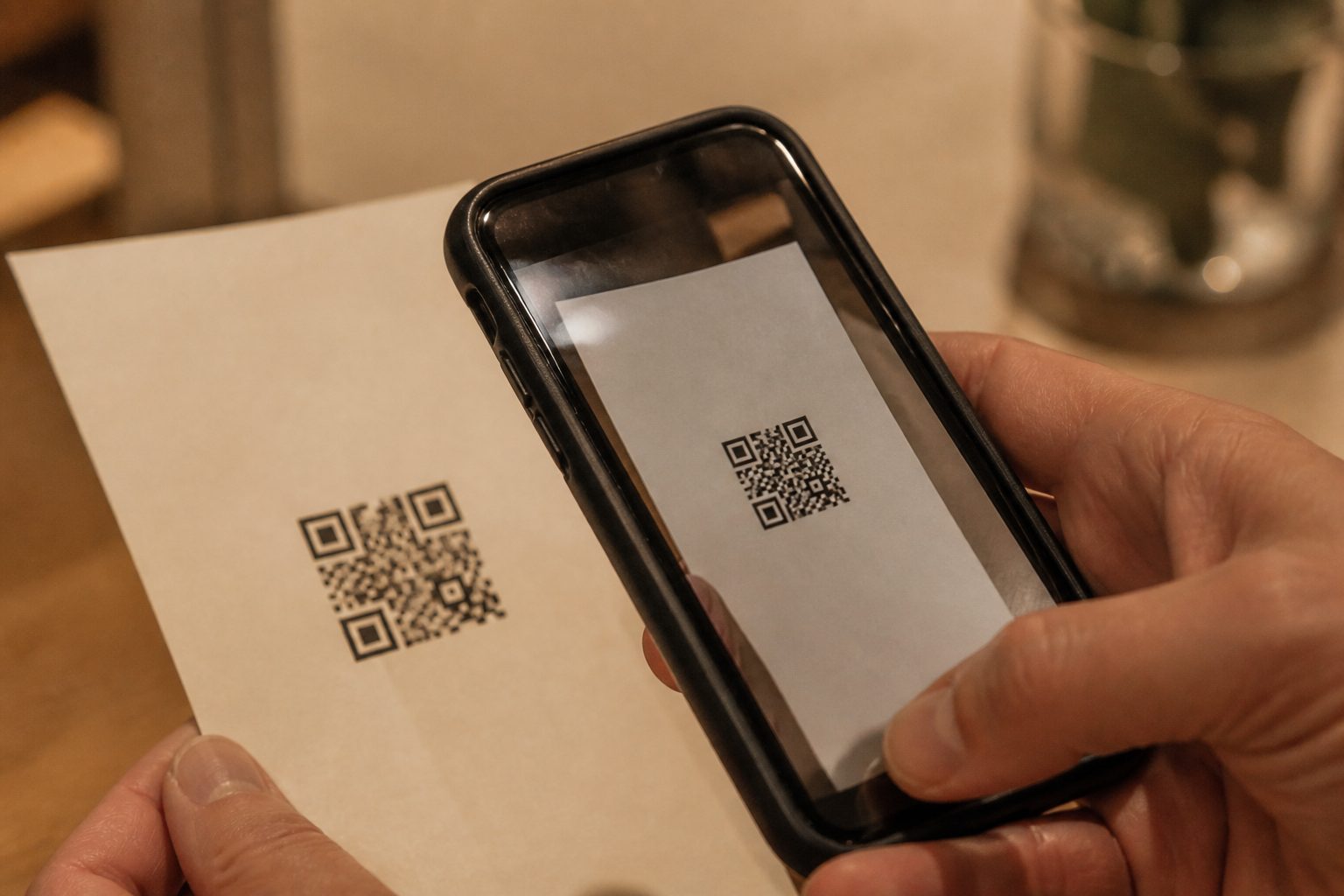
A scan in your office is not the test. Stand where a guest will stand. Use the lighting you will have at doors. Try an older Android and a current iPhone. Hold the phone the way a guest holds it — one hand, slightly off-axis, with people walking behind you.
If the camera hunts, go up in size before you print 200. If it opens a Facebook login, change the destination before you print one. If it opens last year's Eventbrite, you encoded a static file. Start over with a dynamic code.
Mistakes that waste a print run
- Using the Event type in the generator on a poster that might change.
- Encoding a Facebook event you will later lock or delete.
- Printing a static code for a night that still has a rain plan.
- One tiny square trying to do check-in, tickets, and the program.
- A 3 cm poster QR code because it looked cleaner on the layout.
- Skipping the easel scan until doors open.
- Putting the code on a photo, in gold foil, or under a gloss that blinds at noon.
If a printed code already failed, you can only repair it without reprinting when it is dynamic and you still own the short link. For the next run, create a QR code first, then print the poster. See how to create a QR code you can edit after printing.
Your QR code for events should be boring, large, and editable. Guests came for a time and a room. Give them tonight's truth in one scan and keep the square when the truth changes.
FAQ
How do I create a QR code for events?
Publish today's details on a page you control, generate a dynamic QR that encodes a short link, print it at easel size, then edit the destination when the venue or time changes. On Create QR Codes you pick Link, paste the URL, hit Download, confirm email, and pay $1 for the PNG.
Should an event QR code be static or dynamic?
Dynamic. Venues move. Start times slip. A static code printed on 200 posters becomes wrong the first time you change a room. A dynamic event QR keeps the poster and changes the destination.
Should I use the Event type in the generator?
Not on a poster, ticket, or program. Event writes a calendar invite into the image. That payload is static. If the time or room changes, you reprint. Use Link so you can edit the page behind the square.
What size should a poster QR code be on an easel?
Use the 10:1 rule: printed width should be about one tenth of the scan distance. An easel read from a meter wants at least 10 cm. Outdoors I start at 15 cm and add margin for glare. Tickets and programs can sit at 3–4 cm.
Can one event QR code do check-in, tickets, and the program?
Do not mix those jobs. Guests scan for one answer. A hub page is a bounce in a doorway. Give check-in, tickets, and the program their own squares. After the event you can retarget each code to a replay or survey.