QR code for business cards · 7 min read · Updated 2026-08-28
How to Add a QR Code to a Business Card (Size, Link, Dynamic)
Create a QR code for a business card that stays scannable at 2.5–3 cm and still works when your website or calendar link changes.
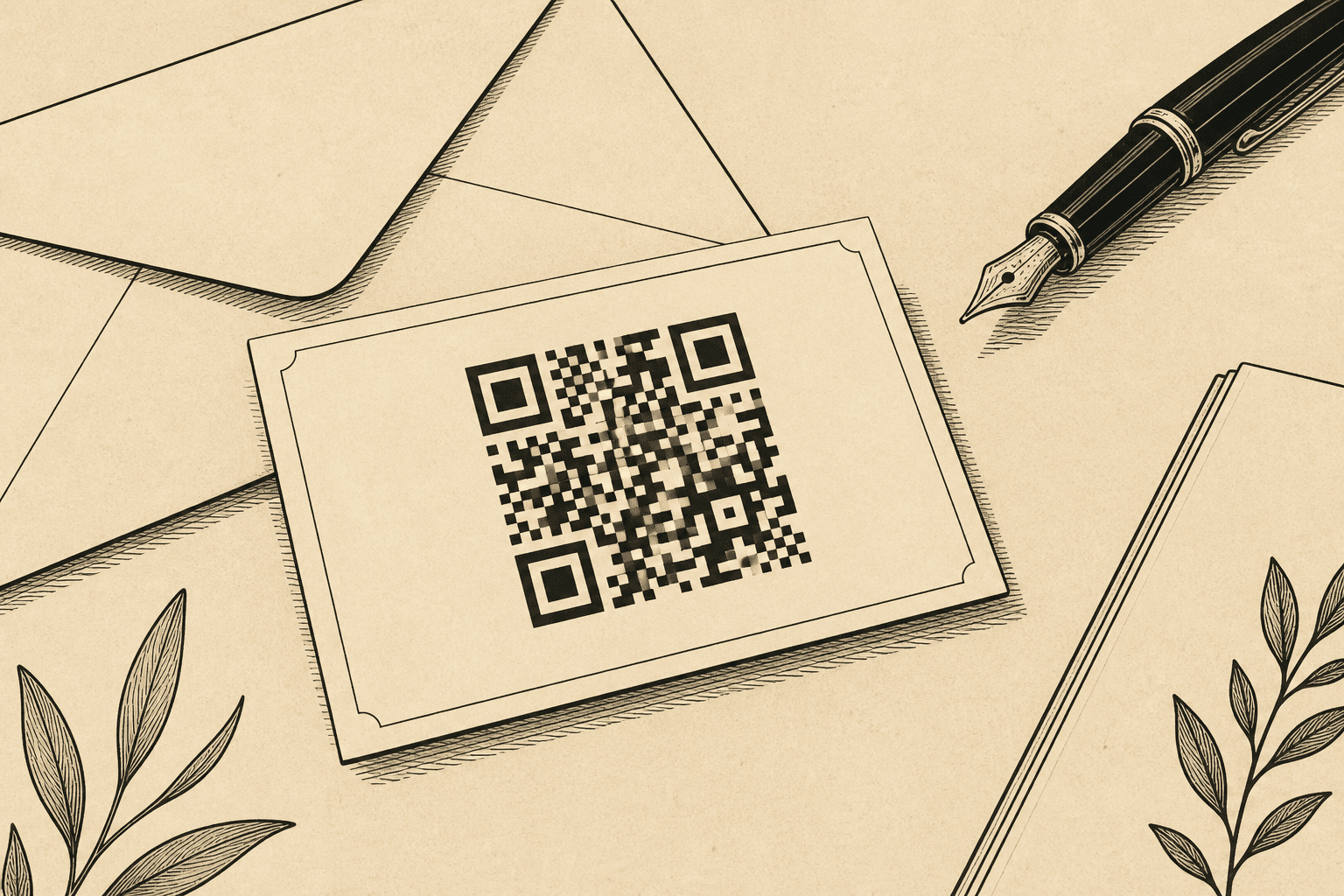
A QR code for business cards has one job: someone met you, they are holding a 90 mm card, and their phone should open the right place in two seconds. Size and a live URL matter more than a logo in the center.
Size on a standard card
Use 2.5–3 cm. That takes real estate. It is supposed to. A pretty 12 mm code that nobody scans is wasted ink. Details are in the QR code size guide for print.
Make it dynamic
You will change jobs, tools, or domains. Create a QR code you can edit after printing so a box of cards is not landfill.
What to link
- Your website or a /card page with email, calendar, and LinkedIn.
- A booking link you can replace.
- Not: a personal Dropbox file, a bit.ly you do not manage, a Facebook profile you might lock down.
Design rules that actually affect scans
- Black on light card stock. Skip low-contrast brand palettes.
- Do not foil-stamp the modules.
- Leave the quiet zone. Bleed is for photos, not QR.
- One code. Two codes on a card look like a bug.
Create a QR code for the page you want in their camera roll tonight. Put the PNG on the card at 2.5 cm. Scan the first carton before you hand them out.
FAQ
How big should a QR code be on a business card?
2.5–3 cm square is the reliable range. 2 cm can work in perfect light and is the minimum, not the goal.
Should a business card QR code be vCard or a URL?
A URL to a page you control is more flexible. vCard is static data in the code. When your title changes, URL wins if the QR is dynamic.