 Create QR CodesSign in
create a QR code · 12 min read · Updated 2026-08-31
How to Create a QR Code (Free, in a Browser)
Create a QR code online in a browser, no app. Pick a type, fill the fields, choose a frame, hit Download, confirm email, then pay $1 for the PNG.
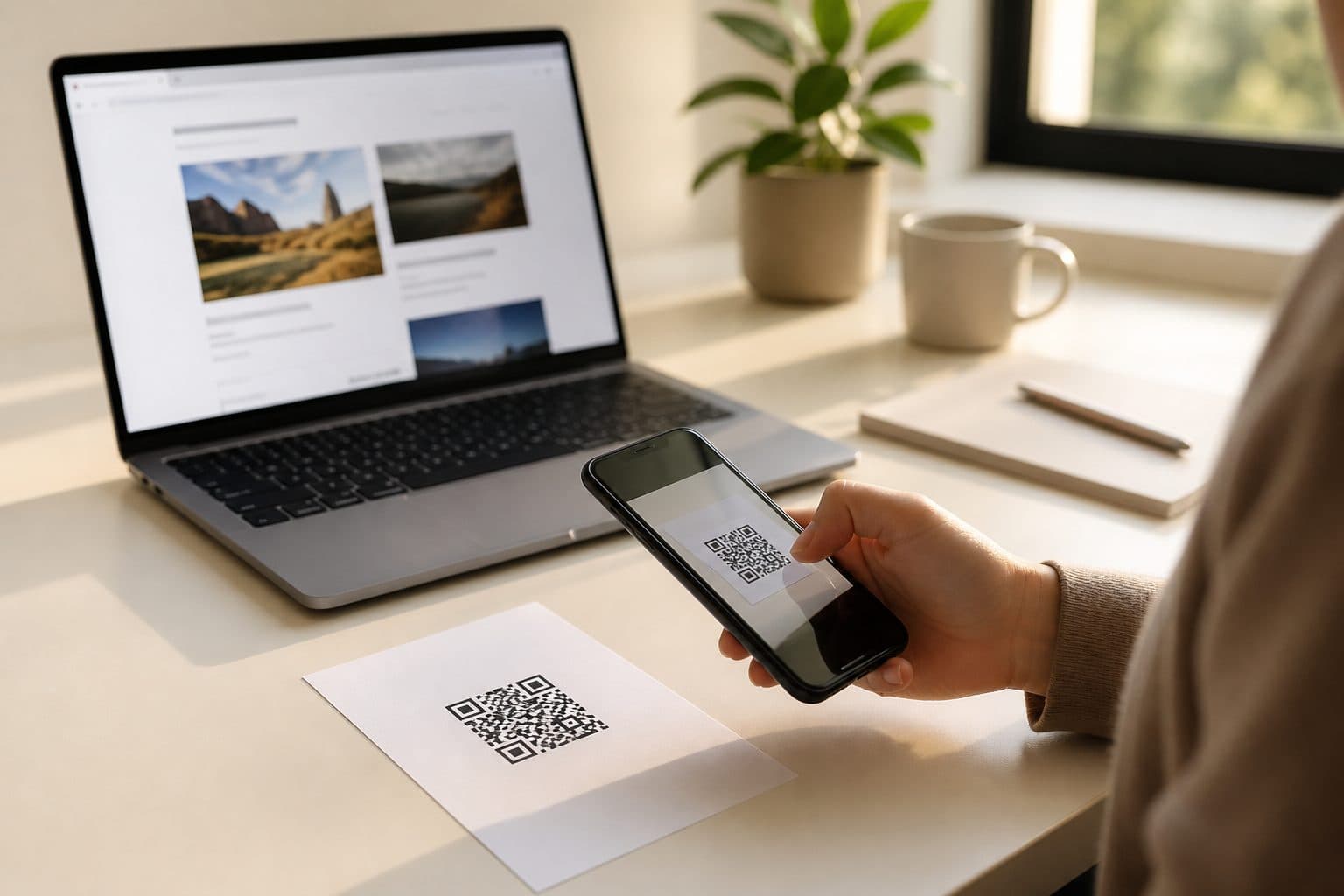
You typed this because you want a file, not a theory class. I will walk you through it in a browser. You pick a type, fill a couple of fields, choose a frame if you want a SCAN ME bar, then download.
A phone camera already knows how to scan. You do not need a Play Store listing or a desktop app. You need a free QR code generator in the tab you already have open.
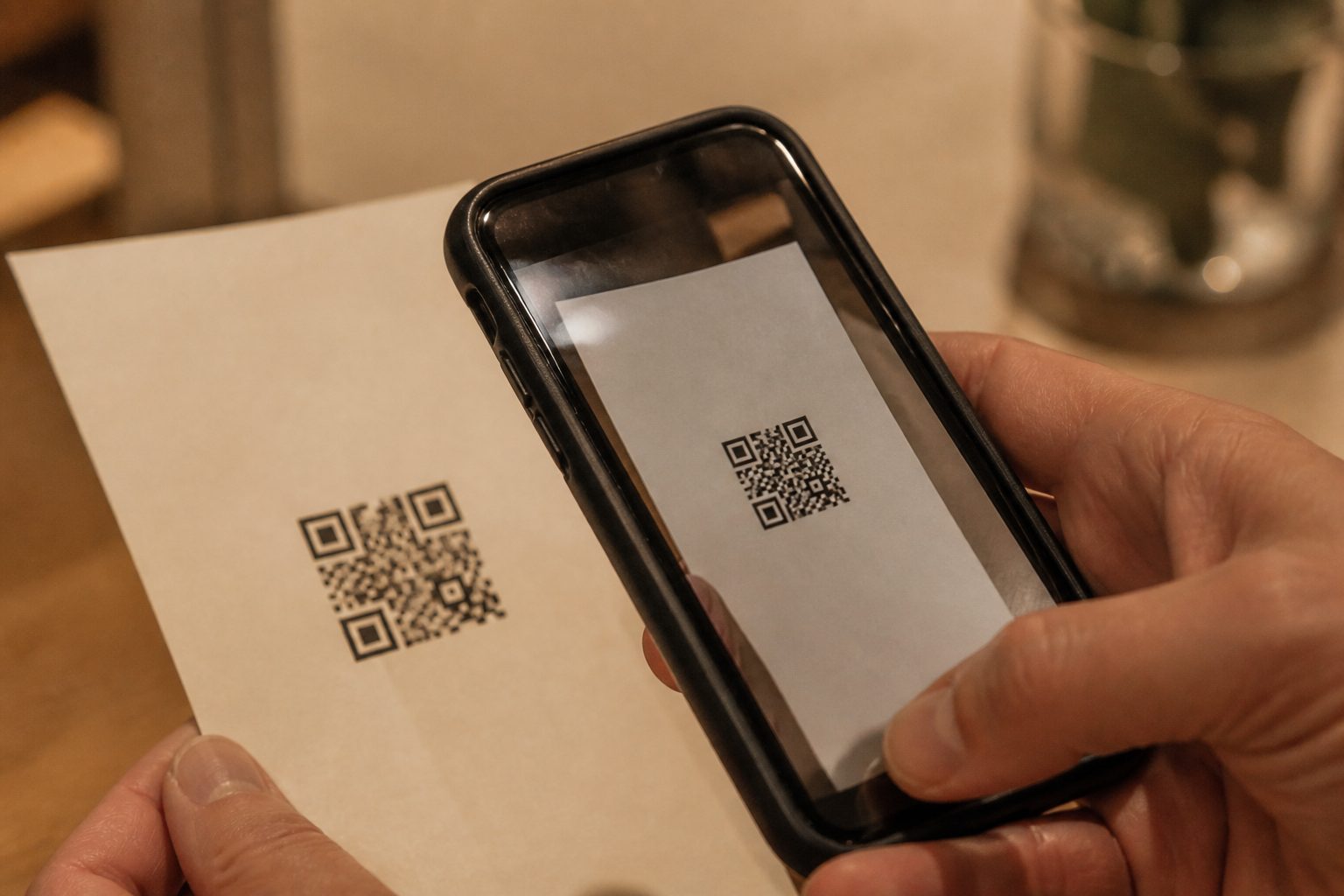
You do not need an app
Most "QR maker" ads want you to install software. Skip them. The camera already opens links, offers Wi-Fi, and saves contacts. Your job is to create a QR code that holds the right string.
Stay on the page, preview the square, and download. If you came here to create a QR code for a one-page flyer tonight, that is the whole stack: browser, type, fields, frame, file.
Five steps on this site
Here is the product path. I do this from the generator at the top of the homepage. You can create a QR code there without leaving the landing page.
- Pick a type. Link, text, email, call, SMS, vCard, WhatsApp, Wi-Fi, PDF, app, images, video, social, event, or 2D barcode. The type decides what the phone does.
- Fill the fields. A website URL, a phone number, a network name — only what that type needs.
- Pick a frame. None, SCAN ME, visit, a blue bar, a top bar, a card, a phone, or a banner. Frames are ink around the square, not extra data.
- Hit Download. We ask for email so the code attaches to an account.
- Confirm email, then pay $1 to download. Open the confirm-signup mail. After you confirm, pay $1 and save the PNG.
Design is free. You can change the type and the frame until the preview looks right. Payment is the download, not the preview. Dynamic types also get a short `/r/[slug]` you can edit later from the dashboard.
Pick a type first
The type is the job. If you pick the wrong one, the phone opens the wrong thing and people think the code is broken. This site has fifteen. I group them by what happens on scan.
| Type | What the phone does | Dynamic or static |
|---|---|---|
| Link | Opens a website | Dynamic |
| Text | Shows a short message | Static |
| Opens a new email | Static | |
| Call | Opens the dialer | Static |
| SMS | Opens Messages, optional text filled in | Static |
| V-card | Saves a contact | Static |
| Opens a chat | Dynamic | |
| WI-FI | Offers the network and password | Static |
| Opens a file URL | Dynamic | |
| App | Opens the App Store or Play Store | Dynamic |
| Images | Opens a gallery or album URL | Dynamic |
| Video | Opens YouTube, Vimeo, or a video page | Dynamic |
| Social Media | Opens Instagram, TikTok, LinkedIn, or a profile | Dynamic |
| Event | Adds a calendar invite | Static |
| 2D Barcode | Encodes raw data as a QR | Static |
Types that open a page you can change
Link is the default when you want a website. Paste any http or https URL. We add `https://` if you omit it. The image encodes a short path, so you can swap the page after print. PDF, app, images, video, and social are still URLs — pick the label that matches the job. They all issue a dynamic `/r/` link. WhatsApp opens a chat and is dynamic here, so you can change the number later without reprinting the sticker.
Types that live in the image
Wi-Fi offers the network. The phone should join, not open my website. V-card saves a name, org, and number. Text shows a short note. Email, call, and SMS open the mail app, the dialer, or Messages. Event drops a calendar block. 2D barcode is raw data when you need a QR that is not one of the other jobs.
Those payloads sit in the pixels. Change the Wi-Fi password and you need a new square. Do not pick Wi-Fi when you meant a link to a guest-guide page you will edit next month.
Dynamic vs static, in one minute
A static QR writes the final string into the pattern. The phone decodes it and acts. No hop. No scan count from the generator. A dynamic QR writes a short tracker. The phone opens that path. The server records the scan (and ignores link-preview bots), then sends the guest to today's destination.
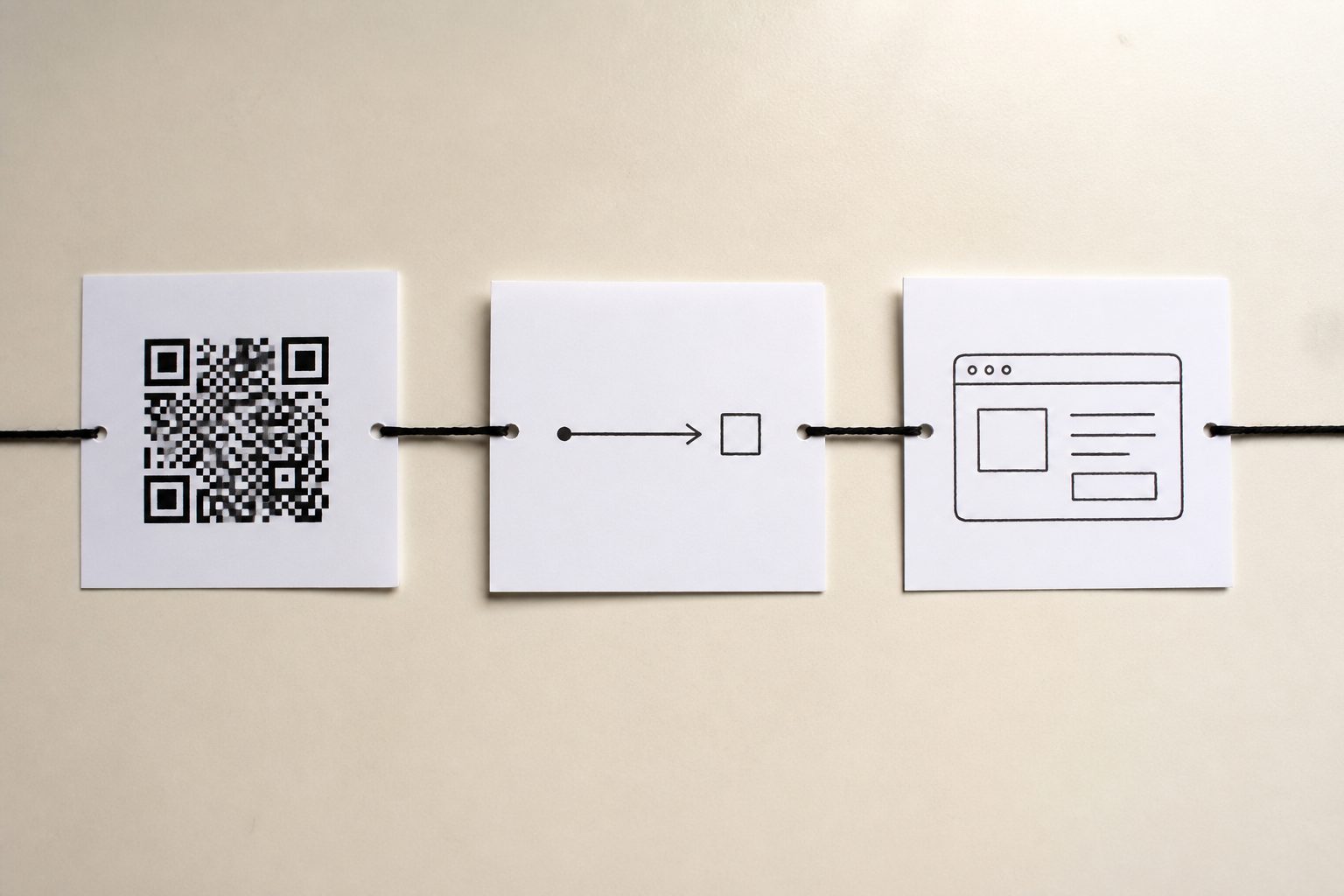
If the paper will outlive the URL — a menu, a pack, a poster, a card — you want dynamic. If the payload is the point and it will not move — a Wi-Fi sticker, a vCard you will reprint when the number changes — static is fine. The longer comparison is static vs dynamic QR codes. The print-first version is edit after printing.
On this site the split is automatic. You do not flip a "dynamic" switch. Pick Link and you get a hop. Pick Wi-Fi and you get a payload.
Frames tell people to scan
A bare square on a poster can look like a decoration. A frame is a caption baked into the PNG: SCAN ME, SCAN TO VISIT, a phone bezel, a card border, a blue bar, a top bar, or a banner. None is a clean square with a quiet zone and no extra ink.
I use SCAN ME on flyers and tents. Visit is clearer when the job is a website. Phone and card read well on a sticker. The frame is not extra data inside the QR. It is layout. Keep the modules dark on light, and do not crop the quiet zone when you place the file. You pick the frame in the same generator before Download.
Download, confirm email, pay $1
This is the part people stall on, so I will be exact. You create a QR code and preview it for free. When you want the file, hit Download. We send a confirm-signup email. Open that mail. After you confirm, pay $1 and the PNG unlocks.
Email is how the code attaches to an account. That matters for dynamic types: the `/r/[slug]` lives on that account so you can edit the destination later. You do not make an account first and then come back. The download step creates it.
- Preview is free. Type, fields, and frame cost nothing to try.
- Download sends the confirm email. Check spam if it is slow.
- After confirm, pay $1 to save the 1024px PNG.
- Printed `/r/` links keep scanning even if the dashboard later locks.
A Wi-Fi sticker still follows the same Download path. The image is static. You still want the PNG, not a screenshot of the preview.
Print basics so the camera locks on
A perfect string does not help if the camera never finds the square. Full numbers live in the QR code size guide for print.
- Size. About 2.5–3 cm on a card, 4 cm on a table tent, 10–15 cm on a poster. Width should be roughly one tenth of the scan distance.
- Contrast. Dark modules on a light ground. Gray on kraft fails. Gold foil fails. A photo behind the code fails.
- Quiet zone. Leave a blank margin around the square. Do not crop the PNG into a colored box or a logo.
- Shape. Keep it square. Stretching it into a rectangle warps the modules.
- Proof. Print one copy. Scan it on a recent iPhone and an older Android, in the real light.
The download is 1024px — plenty for a card or tent. For a banner, start from a larger file. Set a physical width in the layout. Pixels are not centimeters.
Common mistakes on a first code
- Installing an app. You do not need one to create a QR code or to scan one.
- Picking text when you meant a website. Text shows a note. Link opens a page.
- Encoding a Google Drive or Dropbox file that asks people to request access. Guests will not request access over dinner.
- Using a static generator for a poster you cannot reprint. If the URL will move, pick a dynamic type.
- Skipping the email confirm, then wondering why Download stays locked.
- Printing a screenshot of the preview instead of the PNG.
- Making the square tiny, stretching it, or eating the quiet zone with a logo.
- Trusting one successful scan on your own phone in office light.
Make one now
You already have enough to make the file. Open the generator. Pick the type that matches the job. Fill the fields. Pick a frame. Hit Download, confirm email, pay $1, and save the PNG. Then print one proof and scan it.
If the destination might move, you already have a dynamic short link. If it is a fridge sticker, you have a static payload on purpose. Either way, you made it in the browser, without an app.
FAQ
How do I create a QR code?
Open the generator in your browser. Pick a type, fill the fields, and choose a frame. Hit Download, confirm the email we send, then pay $1 to download the PNG. You do not install an app.
Do I need an app?
No. You build it on the web. Phones already know how to scan. An account is created when you enter email to download and confirm the magic link.
Is the generator free?
Design is free. You pick the type, fill fields, and preview the square without paying. Hit Download, confirm email, then pay $1 to get the PNG. Printed dynamic /r/ links keep scanning if the dashboard later locks.
What is the difference between a static and a dynamic QR code?
A static code stores the payload in the image — Wi-Fi, vCard, text, email, call, SMS, event, barcode. A dynamic code stores a short /r/ link. Link, WhatsApp, PDF, app, images, video, and social are dynamic, so you can change the destination later.
How do I download and print the file?
Hit Download, confirm your email, pay $1, then save the 1024px PNG. Place it at a real width — about 2.5–3 cm on a card, 4 cm on a table tent. Keep contrast and a quiet zone. Scan a proof on two phones before you print a run.